
Substack has introduced desktop livestreaming capabilities and upgraded its clip generation tools, expanding video creation options for newsletter publishers and content creators on the platform.
Desktop Livestreaming Arrives 💻 Creators can now host livestreams directly from desktop computers through the Create menu, mirroring the mobile workflow with title input, audience selection, and a preview room for setup and co-host coordination. Desktop hosts can collaborate with mobile co-hosts during streams, though scheduling livestreams from desktop remains unavailable and is expected in future updates.
Clips Remain Central to Video Strategy Substack emphasizes that Clips continue serving as a core component of its video toolkit, with many hosts sharing or downloading clips immediately after concluding live broadcasts. Auto-publishing to YouTube and LinkedIn helps creators extend reach beyond Substack's platform to external audiences.
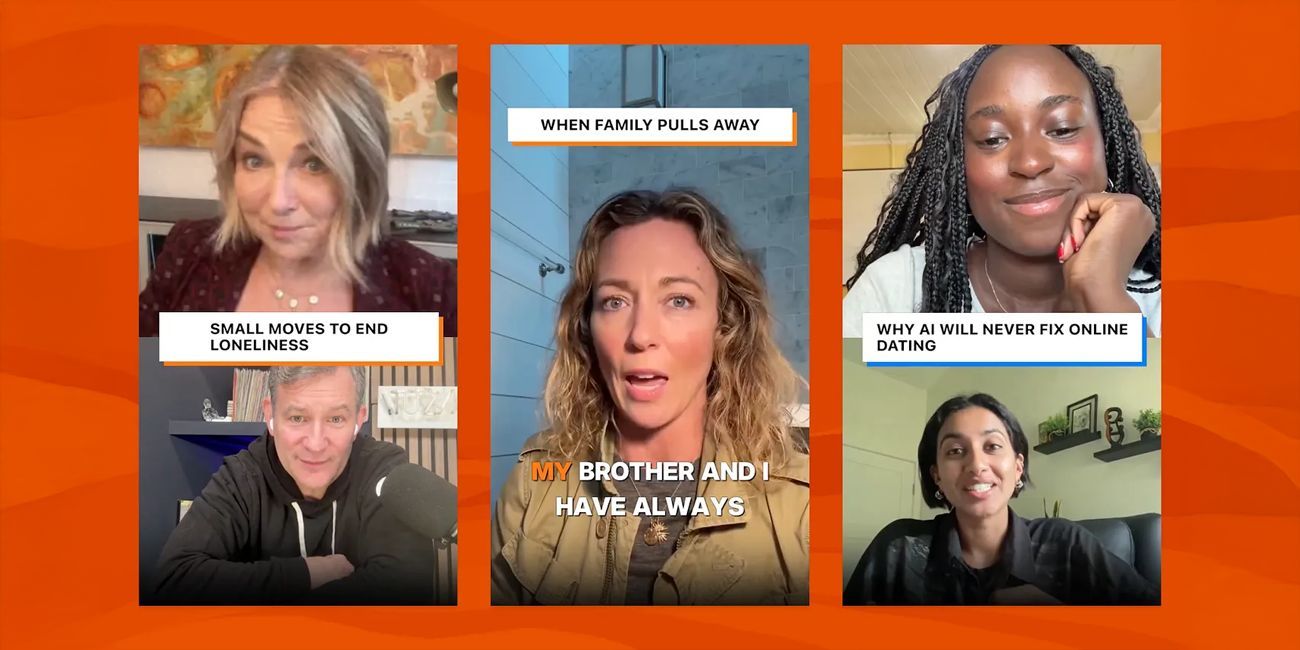
Enhanced Clip Generation ✨ Clips now appear instantly after streams end, featuring dynamic editing that automatically highlights speakers, removes pauses, and introduces subtle zooms for improved visual engagement. Updated title cards enhance presentation quality, creating more polished content suitable for cross-platform distribution.
One-Tap Social Distribution 📱 The updated clip system supports one-tap sharing to Instagram, TikTok, X (formerly Twitter), YouTube Shorts, and LinkedIn, streamlining the multi-platform distribution process. This integrated sharing workflow reduces friction for creators seeking to maximize content reach across social networks.
Community Feature Opportunities Substack invites creators to experiment with the new tools and tag @SubstackTeam when sharing content, with potential selection for feature placement highlighting successful implementations.
This update positions Substack as a more comprehensive video platform beyond its newsletter foundation, addressing creator demand for professional livestreaming capabilities and efficient content repurposing workflows that extend audience reach across the broader social media landscape.
📰 News Summary
🔑 Key Highlights:
- Substack adds desktop livestreaming through Create menu with familiar mobile-style workflow
- Desktop setup includes title input, audience selection, and preview room for co-host coordination
- Desktop hosts can stream with mobile co-hosts; scheduled livestreams from desktop pending
- Clips remain central to video strategy with immediate post-stream sharing and downloads
- Auto-publishing to YouTube and LinkedIn extends reach across external platforms
- Clips now appear instantly after streams with dynamic editing highlighting speakers
- Automated editing removes pauses and adds subtle zooms for improved engagement
- Updated title cards enhance clip presentation quality
- One-tap sharing supports Instagram, TikTok, X, YouTube Shorts, and LinkedIn
- Creators invited to tag @SubstackTeam for potential feature placement