
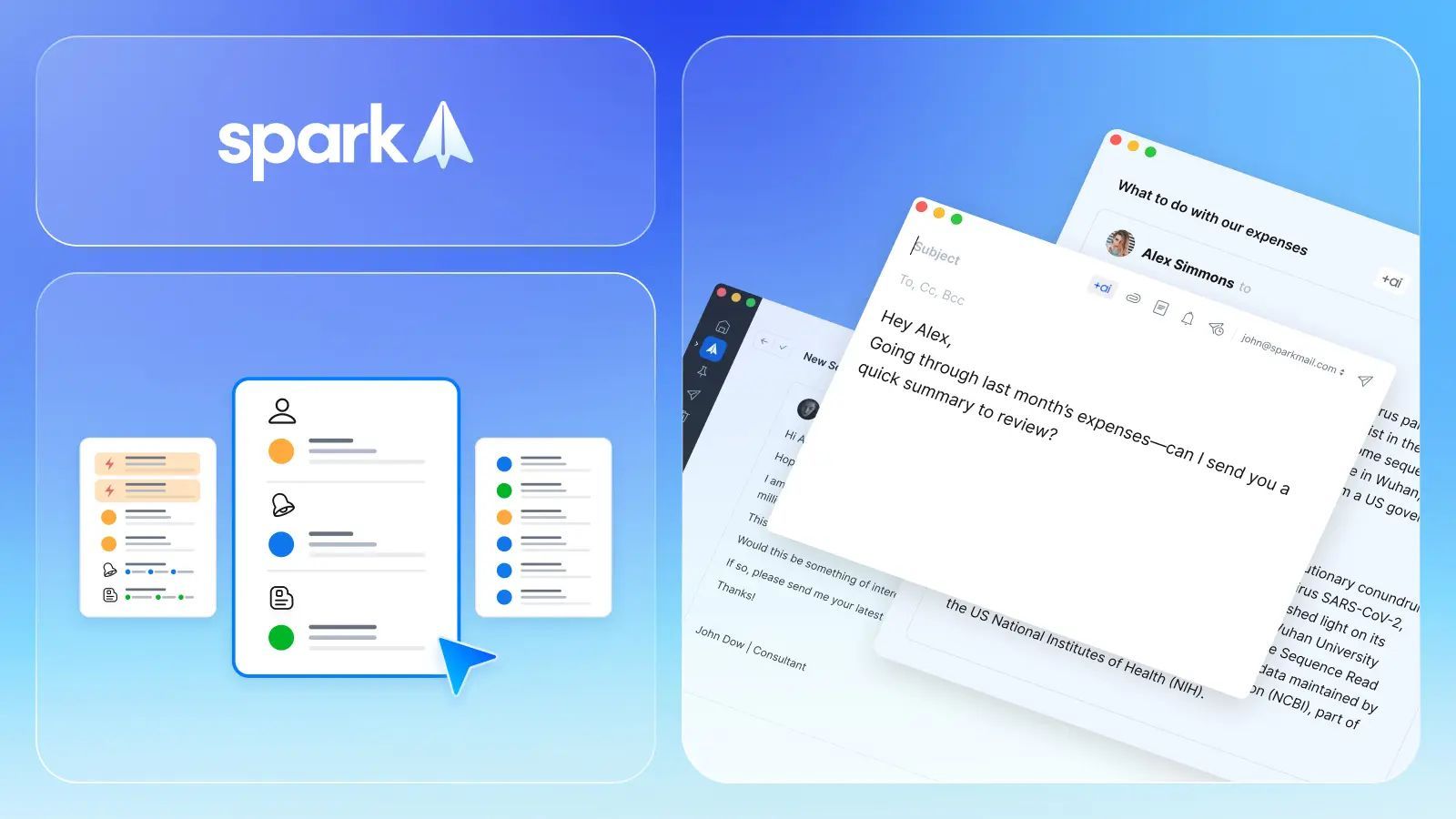
Email powerhouse Spark has delivered a masterclass in user-driven development by reviving two beloved features from Spark Classic, demonstrating that sometimes the best innovations come from listening to your community. 🎯 This strategic rollback addresses widespread user feedback and reinforces Spark's commitment to flexible, personalized email management that adapts to diverse workflow preferences.
Three Inbox Views Cater to Every Work Style 📊 Spark now offers users complete control over their email experience through three distinct inbox views, each designed to optimize different productivity approaches. This thoughtful variety ensures that whether you're a busy executive, content creator, or detail-oriented professional, there's an inbox style that matches your mental model of email organization. 🧠
Focused List: Smart Categorization for Busy Professionals 🎯 The Focused List view automatically sorts incoming messages into Personal, Newsletter, and Notification categories, creating intelligent priority lanes that help users process communications more efficiently. This AI-assisted organization reduces cognitive load by pre-filtering content types, allowing professionals to tackle high-priority personal communications first before diving into newsletters or system notifications. 📈
Unread Cards: Visual Organization for Action-Oriented Users 📋 The Unread Cards view transforms email management into a visual dashboard by organizing unread messages into distinct sections including People, Notifications, and Newsletters. This card-based approach eliminates the frustration of hunting through long email lists to find specific types of missed communications, making it ideal for users who prefer visual scanning over linear reading. 👀
Simple List: Chronological Clarity for Email Purists 📅 For longtime Spark users who value straightforward email browsing, the Simple List view provides a unified, chronological display of all emails without categorization complexity. This familiar approach appeals to users who prefer complete control over their email sorting and don't want automated systems making organizational decisions for them. 🔄
Multi-Window Support Revolutionizes Email Multitasking 🪟 The reintroduction of multi-window support addresses a critical productivity need by allowing users to open multiple email windows simultaneously. This capability proves invaluable for professionals who need to reference one email while composing another, compare information across multiple messages, or maintain focused work sessions while monitoring ongoing communications. ⚡
User Feedback Drives Product Evolution 🗣️ This update exemplifies how successful software companies balance innovation with user satisfaction. Rather than stubbornly pursuing new features, Spark demonstrated genuine responsiveness to community feedback by acknowledging that some classic features were irreplaceable for certain workflows. This approach builds stronger user loyalty and trust. 🤝
📰 News Summary
🔑 Key Highlights:
- 📧 Spark revives classic features from Spark Classic following user feedback and requests
- 📊 Three inbox views available: Focused List (categorized), Unread Cards (visual sections), Simple List (chronological)
- 🎯 Focused List automatically sorts emails into Personal, Newsletter, and Notification categories
- 📋 Unread Cards organizes unread messages by People, Notifications, and Newsletters for visual scanning
- 📅 Simple List provides unified chronological view preferred by longtime users
- 🪟 Multi-window support enables opening multiple email windows for enhanced multitasking
- 🗣️ Update demonstrates responsive development based on community feedback and user preferences