
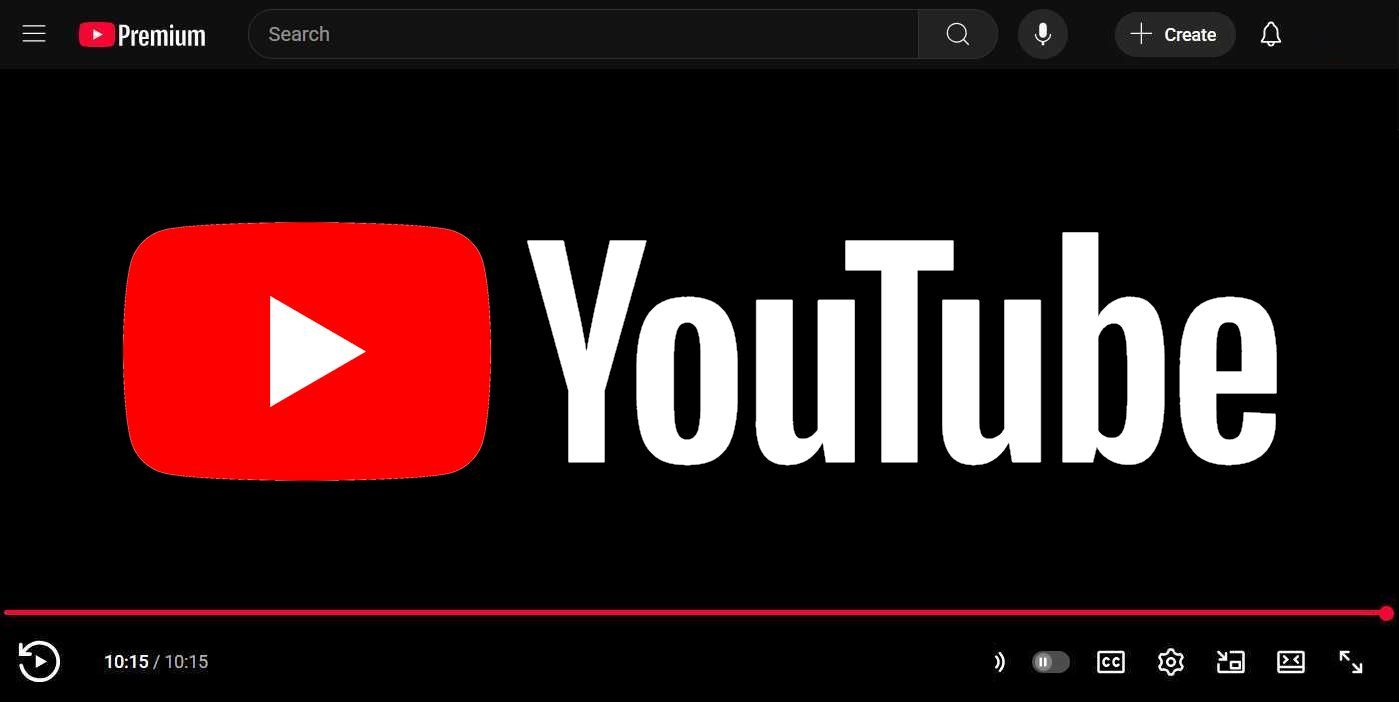
YouTube has expanded its comprehensive web player redesign beyond the initial limited rollout from April, bringing Material Design 3 aesthetics and refined control mechanisms to a broader user base. 🚀 This significant interface update represents YouTube's effort to modernize the viewing experience while balancing visual appeal with functional improvements that address long-standing user feedback.
Material Design 3 Brings Modern Visual Polish 🎨 The updated interface embraces Google's Material Design 3 principles through pill-shaped control buttons and refreshed action icons positioned in the bottom corners of the player. These visual elements now feature increased size and improved contrast, making them more prominent and accessible during video playback. ✨ The design refresh aligns YouTube's web experience with Google's broader design language while improving usability for users across different screen sizes and viewing conditions.
Volume Control Returns with Enhanced Functionality 🔊 A highly requested feature makes its comeback as the new web player reintroduces mouse scroll volume adjustment and hover-based volume slider interaction. This restoration addresses widespread user complaints about the previous removal of intuitive volume control methods. 🖱️ The return of scroll-based volume adjustment demonstrates YouTube's responsiveness to community feedback while maintaining the streamlined interface design.
Control Layout Receives Strategic Reorganization ⏯️ YouTube has emphasized the Play and Pause button by relocating it to a more prominent position in the bottom left corner while removing the Next button that previously occupied nearby space. The control reorganization aims to prioritize the most essential playback functions while reducing interface clutter. 🎯 This layout change reflects user behavior analysis showing that play/pause controls receive significantly more interaction than skip functions.
Interactive Timestamp Display Adds Convenience ⏱️ A new clickable timestamp feature allows viewers to toggle between elapsed time and remaining time displays with a simple click on the timestamp. This interactive element provides users with flexible time information without requiring additional interface elements or menu navigation. 📊 The timestamp toggle functionality addresses different user preferences for tracking video progress and remaining content.
Theater Mode Replaces Cinema Mode Experience 🎭 The redesign introduces Theater mode as a replacement for the previous Cinema mode, featuring a downward arrow below the player that indicates additional content availability. Users can click this arrow or scroll upward to reveal the "More videos" panel positioned below the current video. 📺 This Theater mode implementation provides a more integrated approach to content discovery while maintaining focus on the primary viewing experience.
User Feedback Highlights Mixed Reception 💬 While the interface modernization offers several improvements, the removal of the Next button has generated notable user feedback, with some viewers expressing concerns about navigation workflow changes. The mixed reception suggests that YouTube may implement further refinements based on ongoing user response. 🔄 The platform's willingness to expand the redesign despite some criticism indicates confidence in the overall direction while acknowledging room for iterative improvements.
Broader Rollout Strategy Demonstrates Confidence 📈 The expansion beyond the initial limited release signals YouTube's satisfaction with user testing results and technical performance of the redesigned interface. This gradual rollout approach allows the platform to monitor user adaptation while ensuring system stability across YouTube's massive global user base. 🌐 The measured deployment strategy reflects best practices for major interface changes on platforms serving billions of users daily.
📰 News Summary
🔑 Key Highlights:
- 🎥 YouTube expands redesigned web player with Material Design 3 beyond initial April rollout
- 🎨 New interface features pill-shaped control buttons and refreshed action icons with improved contrast
- 🔊 Mouse scroll volume control and hover-based volume slider functionality restored by user demand
- ⏯️ Play/Pause button emphasized in bottom left while Next button removed from control layout
- ⏱️ Clickable timestamp allows toggling between elapsed time and time remaining displays
- 🎭 Theater mode replaces Cinema mode with downward arrow for accessing "More videos" panel
- 💬 Mixed user reception noted, particularly regarding Next button removal
- 📈 Broader rollout demonstrates YouTube's confidence in redesign direction and user testing results